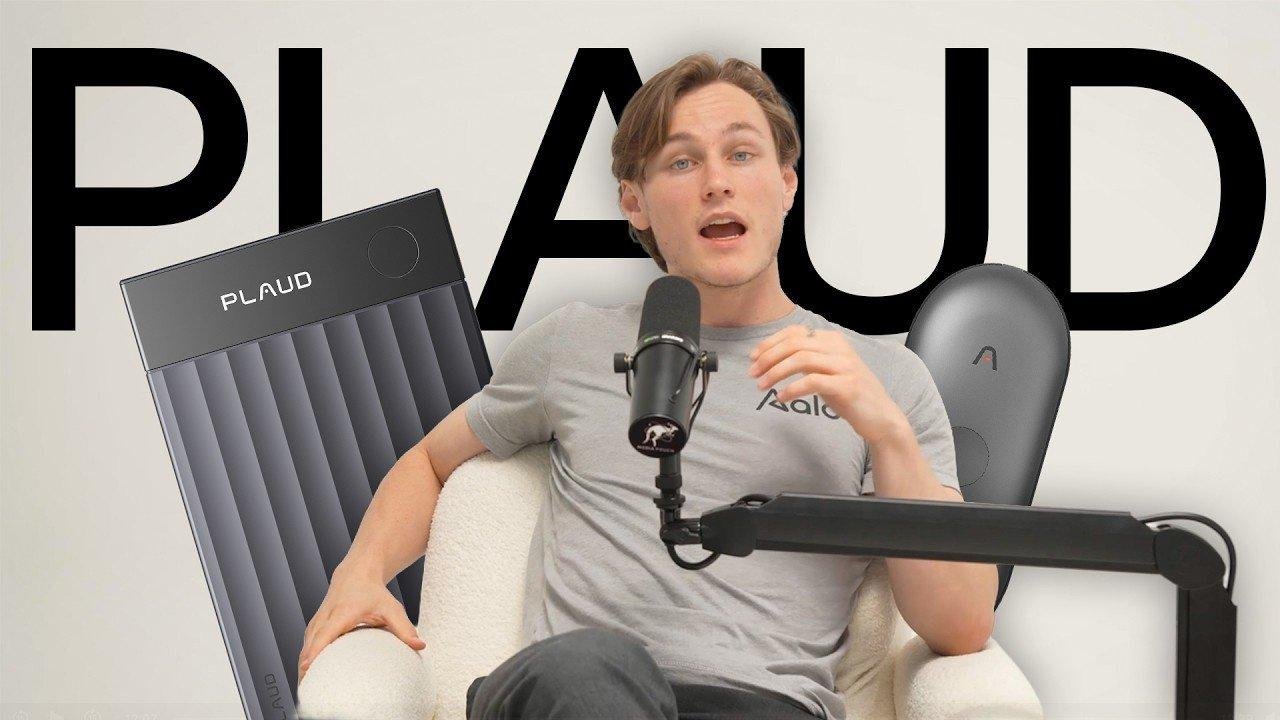
Daniel – Tech Unboxing & Reviews
Plaud · Creator video
 AI productivity
The useful story in an AI note-taker begins after recording stops. PLAUD creator demonstrations follow conversations into notes, summaries and content planning, showing how the device fits around actual tasks. The result is a practical view of the workflow, with everyday examples that make unfamiliar functions easier for an audience to examine.

An AI productivity device needs more than a list of capabilities. PLAUD’s selected creator content follows recorded material into the next task, whether that is reviewing a meeting or developing a content outline. This sequence gives viewers a concrete way to understand the product’s place in a working day.
Daniel’s demonstration, Andrew Hough’s everyday-use perspective and Jon Law’s comparison provide different routes into the subject. The videos show personal workflows rather than a universal promise of productivity. By following the original content, audiences can examine the steps, interfaces and practical choices involved in turning a recording into something useful.
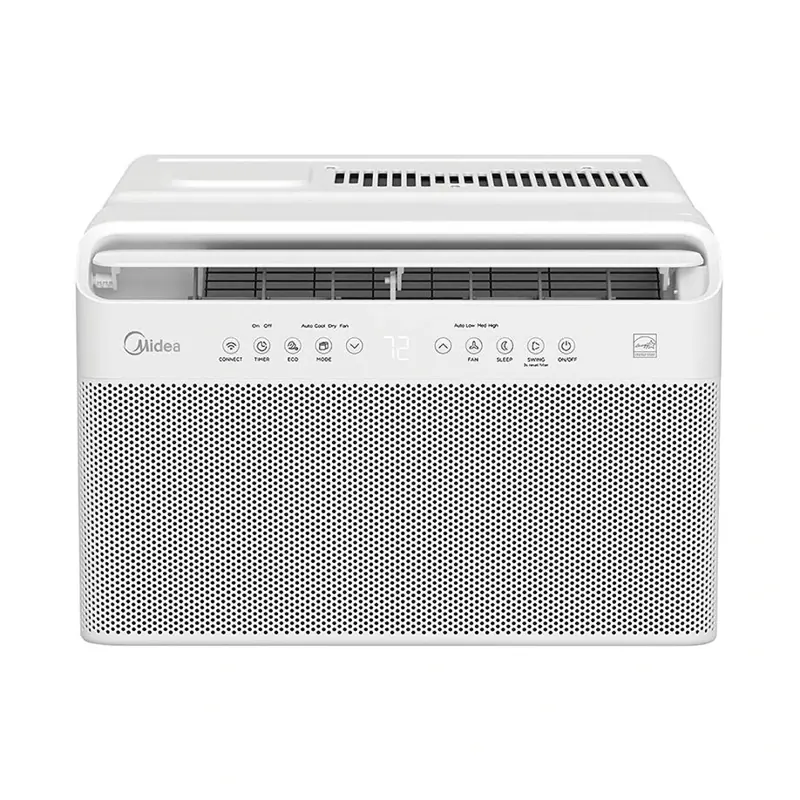

Home comfort explained through editorial testing and familiar household settings.
Explore Midea

Use functional maker projects to connect specialist detail with wider product interest.
Explore Makera

Let real outdoor conditions carry the product explanation.
Explore TerraMowTell us the product, target market and what you want to achieve.